


Introduction
In today’s digital world, having an online presence is essential. Whether you are a business owner, blogger, e-commerce entrepreneur, or someone who wants to share ideas online, your website is the foundation of your presence on the internet. Before your website can go live, it needs a home on the internet, and this home is provided through web hosting.
Web hosting is a service that allows your website to be accessible online. It ensures that anyone around the world can visit your site at any time. For beginners, web hosting may seem technical, but it is simple once you understand the basic concepts. This guide will explain what web hosting is, how it works, the different types, its benefits, pricing, and how to choose the right hosting provider for your website.
What is Web Hosting
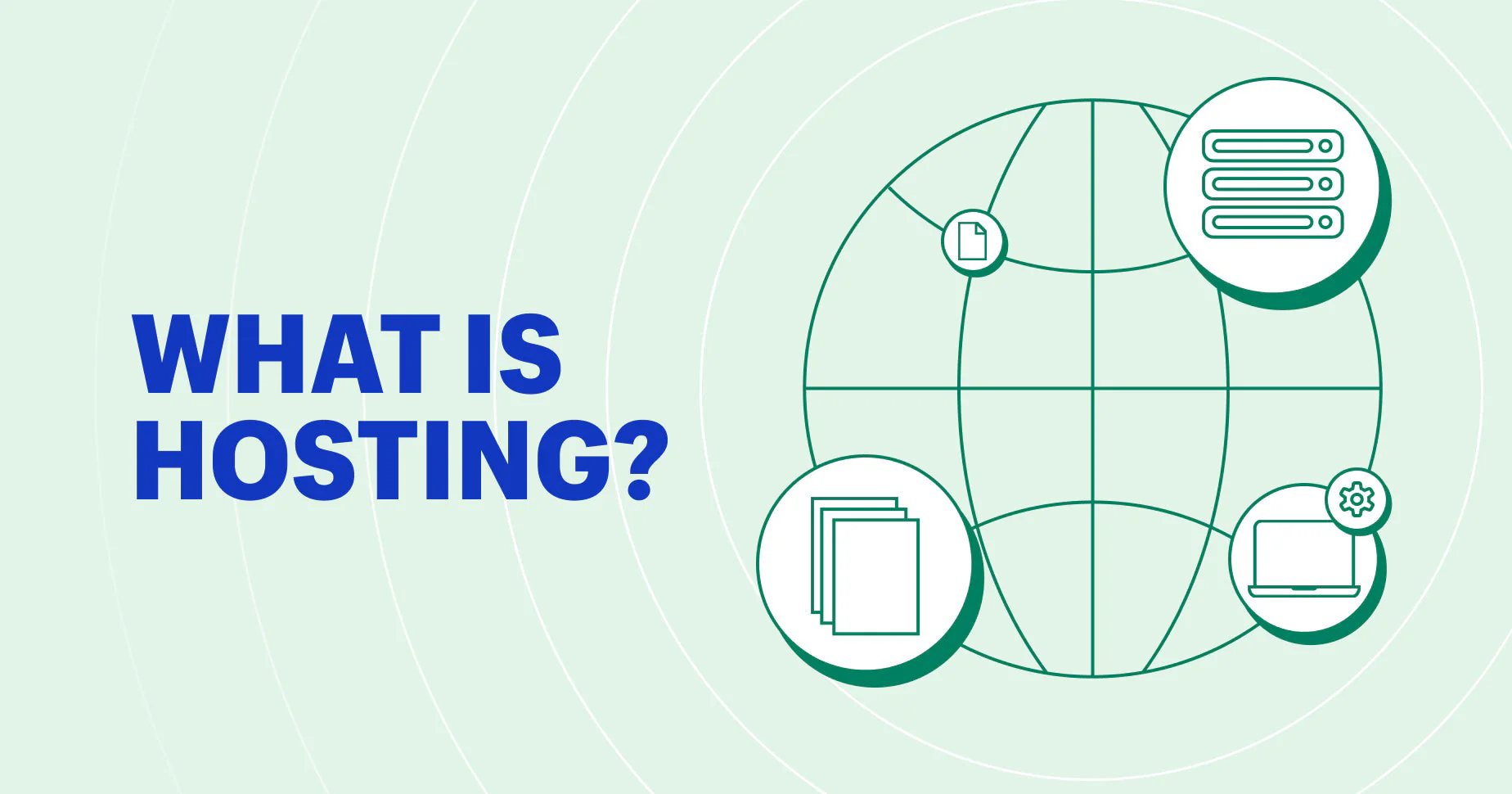
Web hosting is a service that stores your website files on a server and makes them accessible on the internet. A website consists of files, images, videos, and databases. These files need to be stored on a computer that is always connected to the internet. This computer is called a server, and the service that provides space on this server is called web hosting.
Without hosting, your website would exist only on your personal computer and could not be accessed by anyone else. Web hosting can be compared to renting space in a building. Your website is your apartment or office, and the server is the building that allows visitors to reach it.
How Web Hosting Works
Web hosting works through servers, which are powerful computers designed to store website data. The process works as follows:
- You purchase a hosting plan from a hosting provider
- You upload your website files, images, and content to the server
- Your domain name, for example www.example.com, is connected to the server’s IP address
- When users type your domain name in a browser, the server sends the website files to the user’s device, making the website visible online
Types of Web Hosting
Shared Hosting
Shared hosting is the most common and beginner-friendly type. Multiple websites share resources on the same server, including storage, RAM, and CPU. This type of hosting is affordable and easy to set up.
Who it is for: Small blogs, personal websites, and small businesses
Pros: Low cost, easy to use
Cons: Limited resources, slower performance if other websites on the same server have high traffic
Examples: Bluehost, HostGator, SiteGround
VPS Hosting
VPS hosting, or Virtual Private Server hosting, is a step up from shared hosting. A physical server is divided into several virtual servers, each with dedicated resources. VPS hosting offers more control, better performance, and higher security.
Who it is for: Growing websites, medium-sized businesses, and online stores with increasing traffic
Pros: Better performance, more control over server settings
Cons: Higher cost, requires technical knowledge
Examples: InMotion Hosting, A2 Hosting, Hostinger VPS
Dedicated Hosting
Dedicated hosting provides an entire physical server for your website. It offers maximum performance, control, and security.
Who it is for: Large websites, high-traffic e-commerce stores, and enterprise businesses
Pros: Maximum performance and security, full control over server
Cons: Expensive, requires technical expertise
Examples: Liquid Web, Bluehost Dedicated Hosting
Cloud Hosting
Cloud hosting uses multiple servers connected in a network called the cloud. Your website is hosted on these servers rather than a single server. This type of hosting is scalable and highly reliable.
Who it is for: Businesses expecting growth or websites with fluctuating traffic
Pros: Scalable, reliable, high uptime
Cons: Can be expensive depending on usage, technical setup required for beginners
Examples: Google Cloud, AWS, Cloudways
WordPress Hosting
WordPress hosting is optimized for websites built on WordPress. It often includes pre-installed WordPress, automatic updates, and security features.
Who it is for: Bloggers, businesses, and anyone building a WordPress website
Pros: Optimized for WordPress speed and security, easy to use
Cons: Limited to WordPress websites, can be slightly more expensive than shared hosting
Examples: WP Engine, Kinsta, Bluehost WordPress Hosting
Reseller Hosting
Reseller hosting allows you to sell hosting services to others. You purchase hosting space and resell it to clients under your own brand.
Who it is for: Entrepreneurs and web agencies
Pros: Ability to generate revenue, manage multiple clients under one account
Cons: Requires management skills, need to provide customer support
Examples: HostGator Reseller, A2 Hosting Reseller
Key Features of a Good Web Hosting Provider
- Uptime Guarantee: At least 99.9 percent uptime ensures your website is always accessible
- Storage and Bandwidth: Enough space for files and sufficient bandwidth for traffic
- Security: SSL certificates, firewalls, and malware scanning
- Customer Support: 24/7 support for technical issues
- Ease of Use: User-friendly control panels such as cPanel or Plesk
- Scalability: Ability to upgrade the plan as your website grows
- Backups: Automatic backups prevent data loss
- Email Hosting: Some plans include professional email accounts with your domain
Benefits of Web Hosting
- Accessibility: Your website is available worldwide 24/7
- Performance: High-quality hosting improves speed and user experience
- Security: Protects your website data and visitors’ information
- SEO Benefits: Fast and secure websites rank better in search engines
- Professionalism: Reliable hosting adds credibility
- Scalability: Increase resources as your website grows
How to Choose the Right Web Hosting
- Type of Website: Blog, portfolio, e-commerce store, or business site
- Traffic Expectations: Estimate the number of visitors
- Budget: Determine monthly or annual spending capacity
- Technical Expertise: Decide if you want a managed service or can manage server settings yourself
- Future Growth: Ensure the provider allows upgrades without downtime
Web Hosting Pricing 2026 Estimates
| Hosting Type | Price Range per Month | Ideal For |
|---|---|---|
| Shared Hosting | $2 – $10 | Small blogs, personal websites |
| VPS Hosting | $20 – $60 | Growing websites, small businesses |
| Dedicated Hosting | $80 – $250 | Large websites, high traffic |
| Cloud Hosting | $10 – $100 | Businesses with fluctuating traffic |
| WordPress Hosting | $5 – $30 | WordPress websites |
| Reseller Hosting | $15 – $50 | Entrepreneurs, agencies |
Tips for Beginners to Get Started with Web Hosting
- Start Small: Begin with shared or WordPress hosting
- Choose a Reliable Provider: Look for uptime, support, and reviews
- Use a Domain Name: A strong domain is your website’s identity
- Consider Managed Hosting: Managed plans handle technical tasks for you
- Plan for Growth: Select providers that allow easy upgrades
- Secure Your Website: Enable SSL and choose secure hosting providers
Frequently Asked Questions
-
What is web hosting?
Web hosting is a service that stores your website files on a server and makes them accessible online. It allows your website to be available to anyone on the internet 24/7. Without hosting, your website cannot be accessed by users.
-
Do I need web hosting for my website?
Yes, web hosting is necessary for your website to go live. Even if you have a domain name, your website files need to be stored on a server to be accessible to visitors.
-
What is the difference between a domain and hosting?
A domain is the web address that users type to access your website, such as www.example.com. Hosting is the service that stores your website files on a server so that they can be displayed when someone visits your domain.
-
Which hosting type is best for beginners?
Shared hosting is usually the best option for beginners. It is affordable, easy to set up, and requires little technical knowledge. It is suitable for personal blogs, portfolios, and small websites.
-
What is VPS hosting?
VPS hosting, or Virtual Private Server hosting, divides a physical server into multiple virtual servers. Each virtual server has dedicated resources such as RAM and storage. VPS hosting provides better performance, security, and control compared to shared hosting.
-
What is dedicated hosting?
Dedicated hosting gives you access to an entire physical server exclusively for your website. It provides maximum performance, high security, and full control over server configurations. This type of hosting is ideal for large websites or websites with heavy traffic.
-
Is cloud hosting better than shared hosting?
Cloud hosting is more flexible, scalable, and reliable than shared hosting. Your website is hosted on multiple servers, so it can handle traffic spikes and reduce downtime. It is suitable for businesses expecting growth or fluctuating traffic.
-
What is WordPress hosting?
WordPress hosting is specifically optimized for WordPress websites. It usually includes pre-installed WordPress, automatic updates, enhanced security, and better performance. It simplifies the setup and management of WordPress websites.
-
Can I switch hosting providers later?
Yes, you can migrate your website to another hosting provider at any time. Many hosting providers offer migration assistance or tools to make the process smoother.
-
What is uptime?
Uptime is the percentage of time a server remains online and accessible. High uptime, usually 99.9 percent or more, ensures your website is available to visitors without interruptions.
-
Do hosting providers offer backups?
Most hosting providers offer automatic backups. These backups help protect your website data from accidental deletion, hacking, or server failures. Some providers offer daily, weekly, or monthly backups depending on the plan.
-
What is bandwidth in hosting?
Bandwidth refers to the amount of data transferred from your website to your visitors over a certain period. Higher bandwidth allows more visitors to access your website without slowdowns.
-
What is storage in hosting?
Storage is the amount of space available on the server to store your website files, including images, videos, and databases. Websites with more content or media require more storage.
-
Can I host multiple websites on one account?
Yes, many hosting plans allow you to host multiple websites under a single hosting account. This is common with VPS, cloud, or reseller hosting plans.
-
What is reseller hosting?
Reseller hosting allows you to purchase hosting space from a provider and sell it to your clients under your own brand. It is commonly used by web agencies and entrepreneurs.
-
Is web hosting expensive?
The cost of web hosting depends on the type of hosting and the resources provided. Shared hosting is affordable, often under $10 per month. VPS, cloud, and dedicated hosting can be more expensive but provide better performance and security.
-
Do hosting providers include email accounts?
Many hosting plans include email accounts associated with your domain, such as info@yourdomain.com. This allows you to manage professional communication directly from your website domain.
-
How do I choose the best hosting provider?
Choose a hosting provider by comparing uptime, customer support, security features, ease of use, scalability, pricing, and reviews from other users. A reliable provider ensures your website runs smoothly and securely.
-
Can I host an e-commerce store on shared hosting?
Yes, but shared hosting may have limited resources. For better performance, security, and speed, VPS or cloud hosting is recommended for online stores with many products or high traffic.
-
How long does it take to set up hosting?
Setting up hosting can take anywhere from a few minutes to a few hours, depending on the provider and hosting plan. Shared hosting usually sets up quickly, while VPS, dedicated, or cloud hosting may require additional configuration.
Conclusion
Web hosting is the foundation of your online presence. Without it, your website cannot be accessed by users. Choosing the right hosting type and provider ensures your website is secure, fast, and reliable.
Whether creating a personal blog, small business website, or large e-commerce store, understanding web hosting helps you make informed decisions. Start with the type of hosting that suits your current needs and choose a provider that allows growth in the future. With the right hosting, your website will perform well, remain secure, and provide a good experience to your visitors for years.